
Awaken Wonderful Moments Shop now

Little Tease
Original price was: $59.00.$36.00Current price is: $36.00.
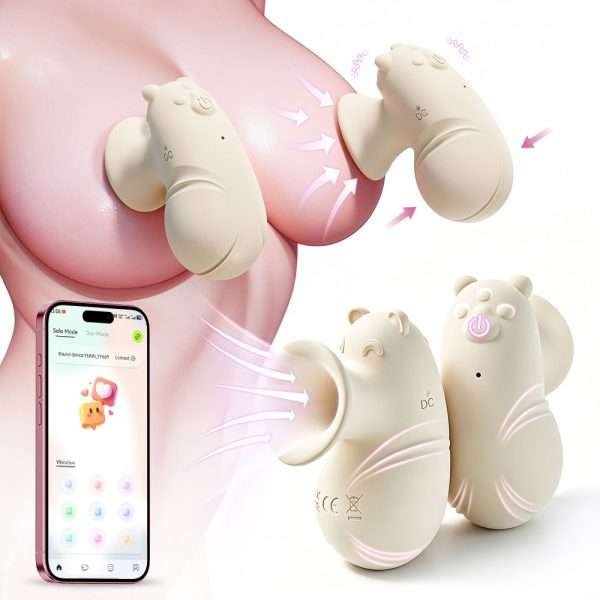
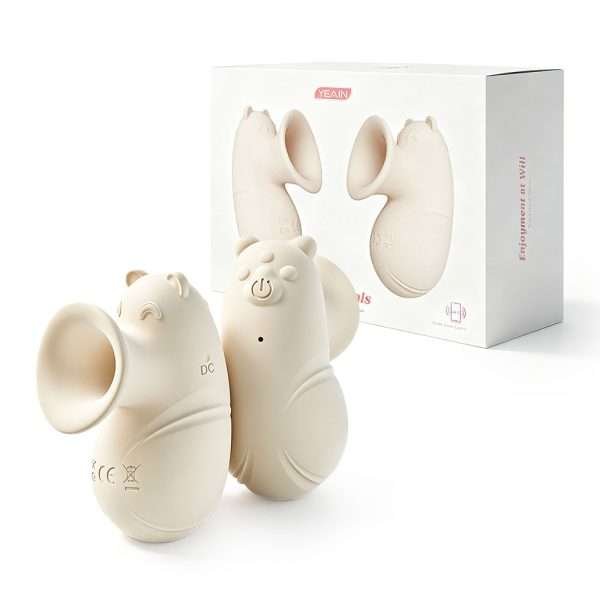
Suction-style breast massager with manual squeeze suction and 12 vibration modes — fully controlled via the app, in a highly discreet design.
Product Introduction
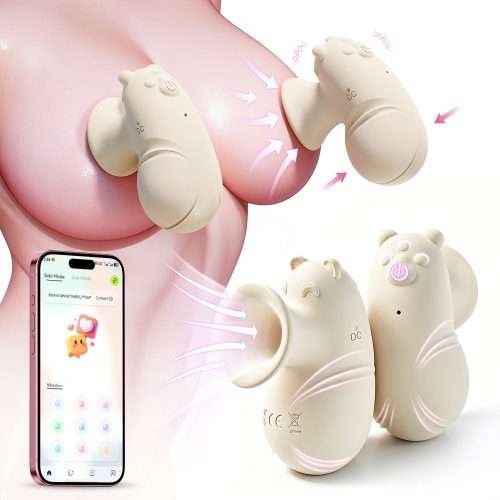
The Little Rascal breast suction toy is designed to provide a fun and playful experience for the breasts. It delivers a unique sensation through suction and vibration, allowing you to enjoy a relaxing and pleasurable time while enhancing intimate experiences related to the breasts. It can be used in combination with finger pressure to add to the playfulness, and the suction strength is fully adjustable. With its cute yet understated design, it’s easy to store and display, and can even double as a small decorative item—making it a product that lets you enjoy a playful and lighthearted atmosphere.
Usage Steps / Function Description
Host Control
Control the exhaust suction and positioning. Press and hold the power button for 2 seconds to turn on; short press to cycle through 12 vibration modes.
Search for “Yeying Smart Control” in the App Store or app marketplace, download and install it, bind the product code to operate, with a total of 8 modes available for control.
I. Download and Install the App
- Search for “Yeying Smart Control” in the App Store or your device’s app marketplace, then download and install it.
- Scan the QR code for the app download in the manual with your phone and follow the prompts to install “Yeying Smart Control”.
II. Log in to the App
Tap the “Yeying Smart Control” app icon to open the app. For your first login, please verify with your mobile phone number.
III. Device Binding and Connection
- After your first login, you must bind your device.
- Click “Connect Device”, then scan the QR code or enter the pairing code.
- Scan the product’s QR code or enter its digital code. Upon successful identification, the product icon will be displayed.
- If the customer has purchased multiple products, please repeat steps 2–3 above to complete the binding process for the other products.
- Tap the device icon to delete the device or modify its name.
- After deleting the device, if the customer wishes to restore it, they must rescan the device binding code.
Grant the requested permissions for Bluetooth, storage, camera/photo gallery, microphone (location may be required on some devices), etc. Select any mode below to start enjoying the entertainment.
Note: No pairing is required between Bluetooth and the device. Simply turn on the device and enable Bluetooth for automatic detection and control.
IV. Control
- AI Mode: Multiple fun experiences await you
- Classic Mode: Tap any icon on the grid in the app, and the device will activate the corresponding frequency. Tap the icon again to stop the device and return it to standby mode.
- Interactive Mode: Interactive mode refers to remote control; there are no distance restrictions between the controller and the device, and the device must be within 10 meters of the controller. (Note: The controller must also enable Bluetooth and location permissions, and turn on Bluetooth on their phone.)On the “Interactive Mode” page, tap Add Friend, enter your friend’s phone number or ID, search and add them as a friend. After becoming friends, select voice or video call to send a call request. After the other party accepts, the call screen will display a control panel, and you can initiate remote control. Next time you enter Interactive Mode, you can initiate a call directly from “Connection History”.
- Video Mode: First save the video to your phone’s gallery. After entering video mode, tap the file upload icon in the top-right corner to import videos from your phone’s gallery. Tap the central control button to play or pause. Android systems can copy the link to play the video to control the product; iOS systems do not support this feature.
- Music Mode: The operating steps differ between Android and iOS systems.Android System
First, open your music app on your phone and play your favorite song. Then return to the Yeying Smart Control music mode. The system will detect the currently playing music and its source. At this point, tap the Pause/Play button on the screen, and the device will vibrate in rhythm with the melody.iOS System
Requires computer assistance: Open the Aisi Assistant software, connect your phone to the computer via a Lightning cable, click “Music” on the left, then select “Import Songs from Computer” to add your favorite music for control. The device will vibrate in sync with the melody. - Slide Mode: Enter Slide Mode, where finger sliding controls interaction with the device, with 0–100 stepless speed control. Tap to start recording. After operation, you can choose to save the current frequency for direct playback the next time you enter this mode.
- Shake Mode: Enter Shake Mode, where the device will vibrate in sync with your phone’s shaking rhythm and intensity.
- Sound Mode: Enter Sound Mode, where sound recognition controls the product’s functions based on the volume of the sound.
Precautions for Use
- Before using the product, charge it. The indicator light flashes during charging and stays on when fully charged.
- A full charge takes 2 hours. The actual charging time may vary depending on the remaining battery level.
- After a full charge, the normal usage time is approximately 1 hour. The actual usage time depends on the selected mode; the more modes activated and the higher the frequency, the faster the battery drains.
- Please read this user manual carefully before using the product and keep it in a safe place.
- When disposing of this product, it should be treated as waste electrical and electronic equipment and recycled at the appropriate recycling facility. This product is not suitable for disposal with ordinary household waste.
Disclaimer
There are potential risks associated with the use of this product, so please use with caution. We are not responsible for any misuse of this product by consumers or sellers.
⚠ Warning: This product is intended for adults aged 18 and over only.
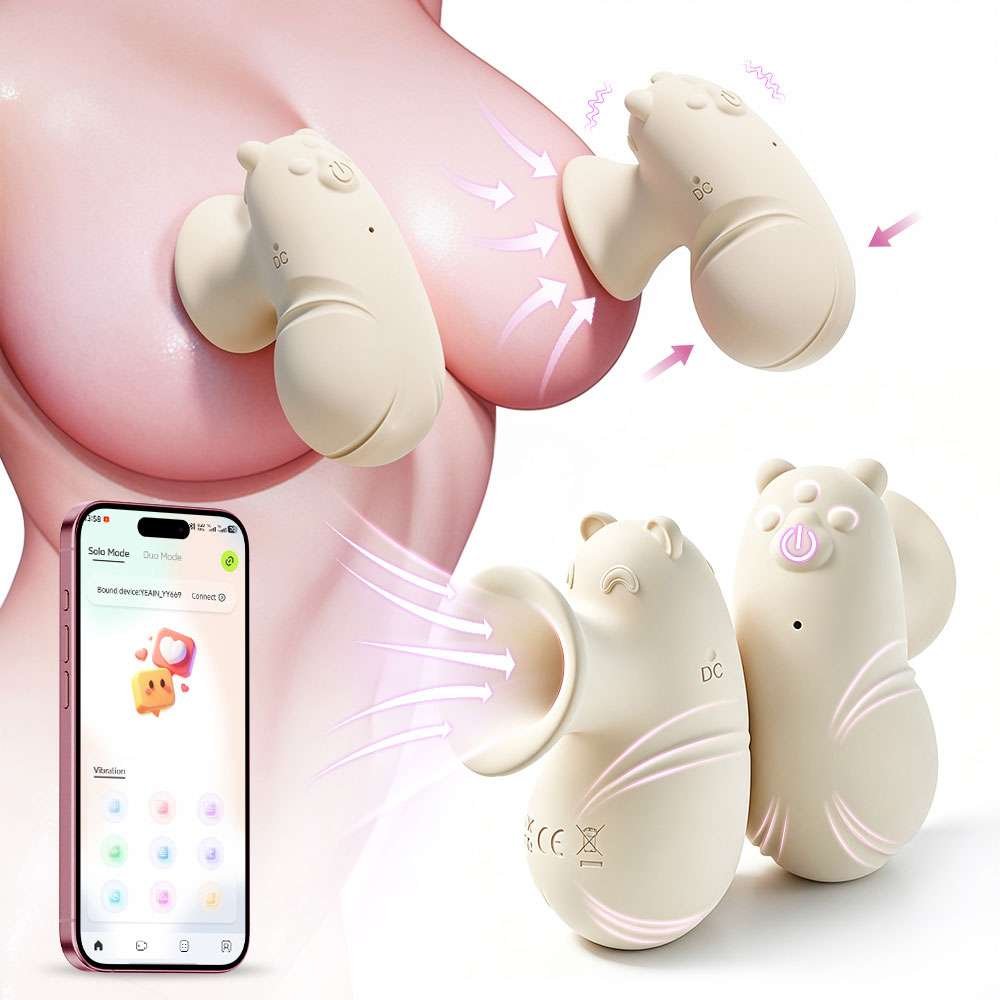
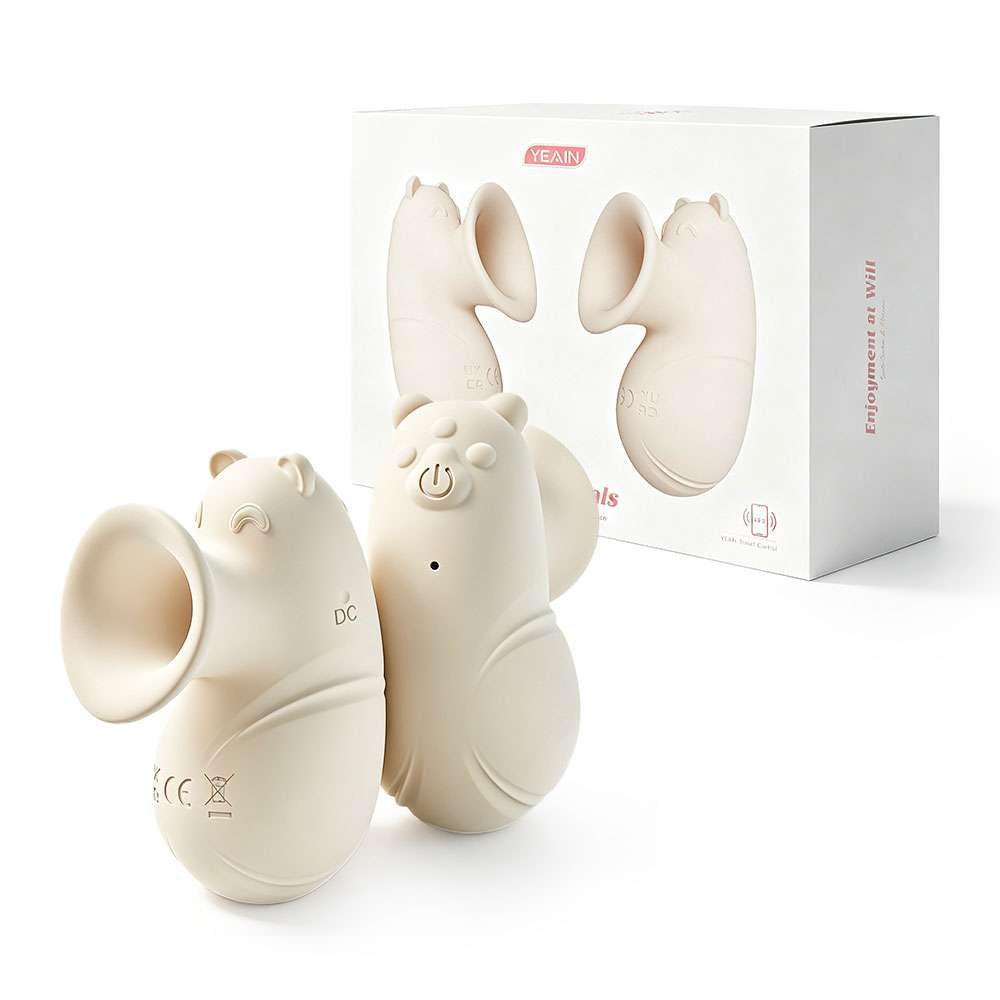
| Model | YY669 |
| Material | Liquid Silicone |
| Color | Beige |
| Power Supply | DC Pinhole Charging |
| Product Type | Breast Pump |
| Product Weight | 68.4 g |
| Rated Voltage | 3.7V |
| Battery Capacity | 130 mAh |
| Noise Level | ≤50 dB |
| Product Dimensions | 80*57*36mm |
| Package Dimensions | 150*54*110mm |
| Functions | 12-frequency Vibration |
| Package Contents | Main Unit, Data Cable, User Manual |
| Applicable Users | Adult Women |
| This product has been inspected and approved for release. | |
Related products


FAST SHIPPING
Fast Shipping On All Orders
SECURE PAYMENT
Payment is 100% Secure With Us
Online Support 24/7
24 Hours A Day, 7 Days A Week
PREMIUM QUALITY
Providing the Best Quality Products
Reviews
There are no reviews yet.